ScreenZen

Also available on screenzen.co

1

Pick websites to limit

You can add apps later too.
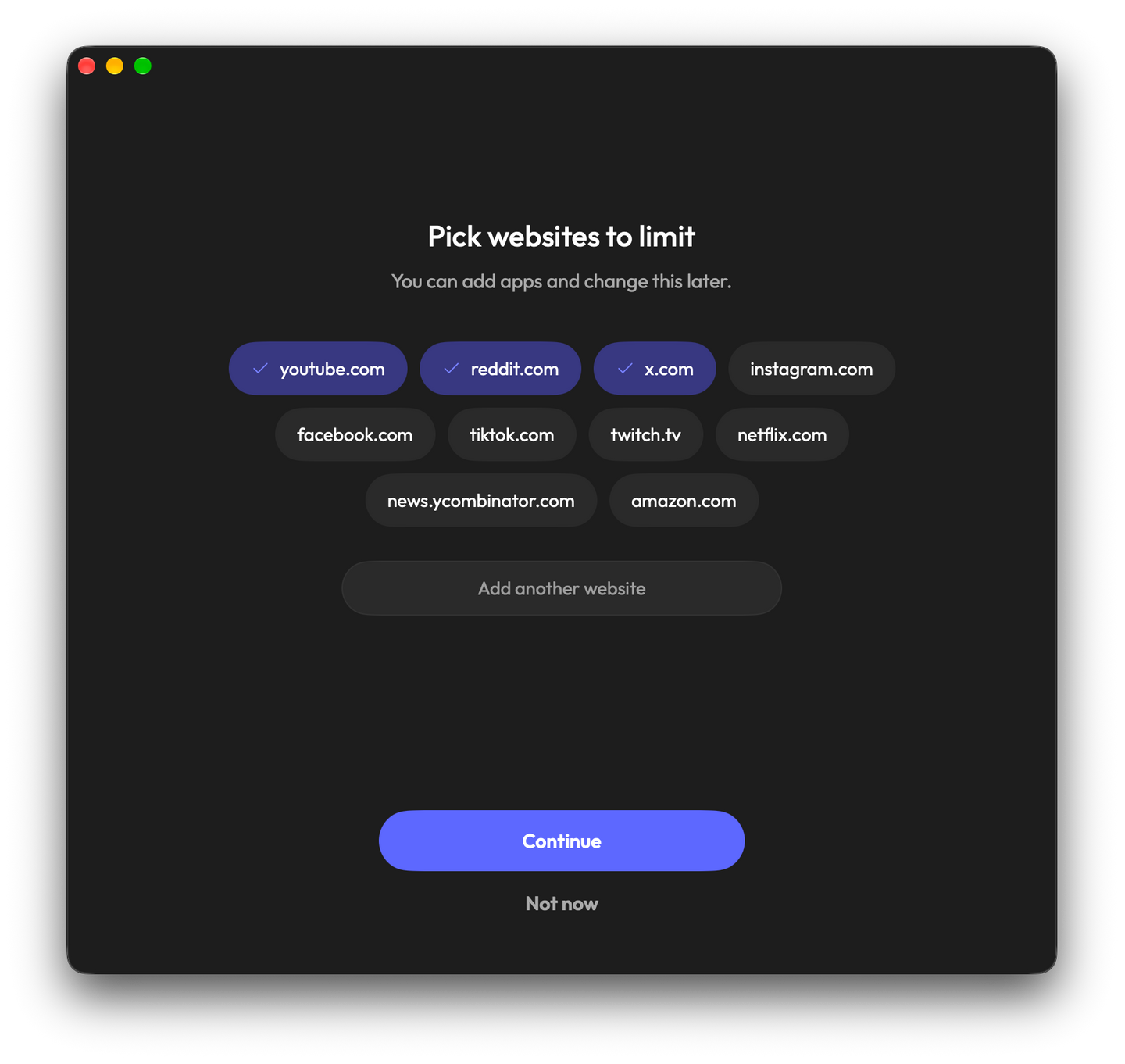
Pick websites to limit, with youtube.com, reddit.com and x.com selected
2

Allow browser access (Mac only)

Click Allow next to each browser you use, then Allow in the macOS prompt. On Windows, click Continue.

Allow browser access, with the Allow buttons for Safari, Google Chrome and ChatGPT Atlas highlighted
macOS prompt asking to let ScreenZen control Google Chrome, with Allow circled
3

Set a daily limit for your websites and apps

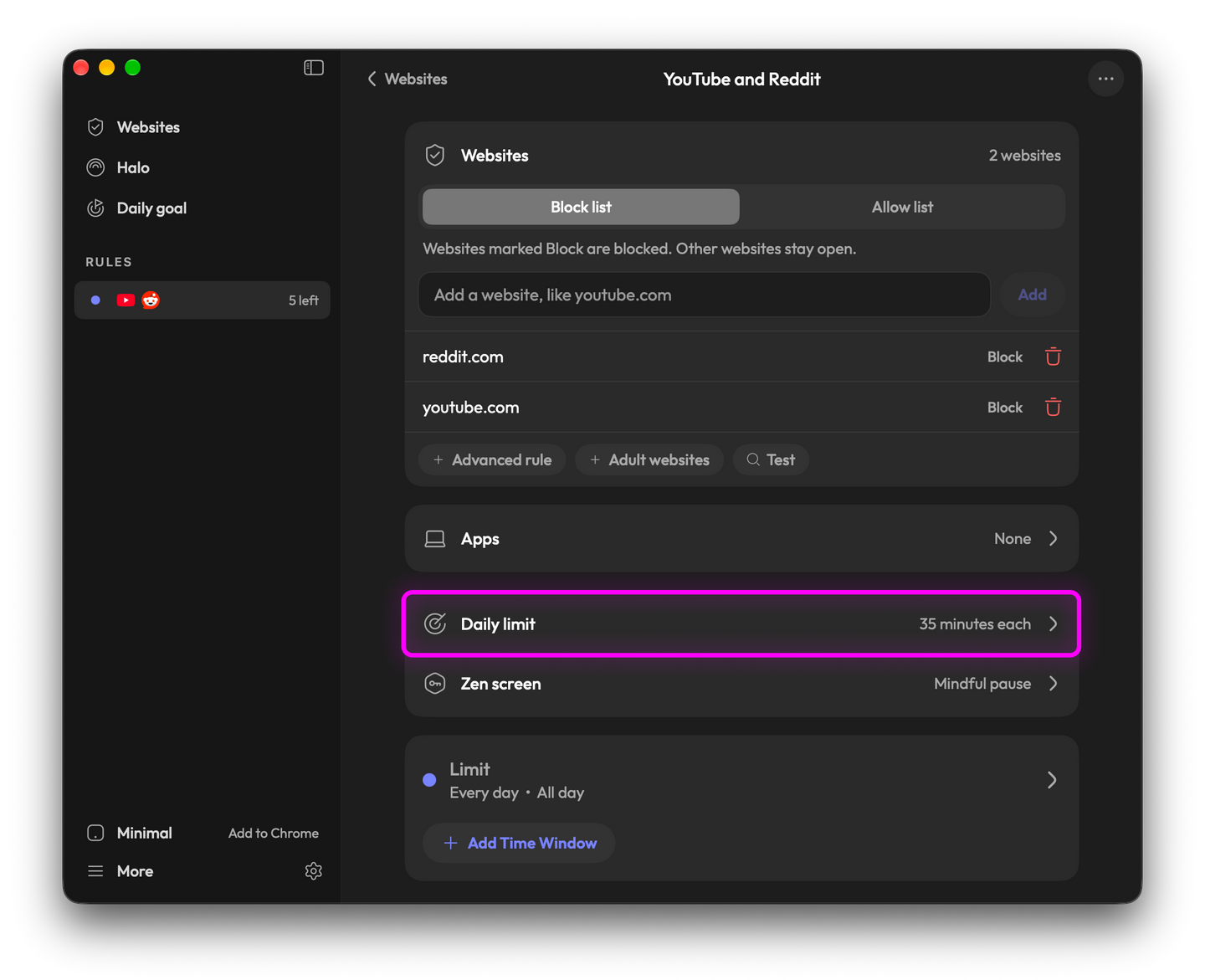
Open your rule from the Websites list, then Daily limit.

Websites screen with the rule highlighted in the sidebar and in the list: youtube.com, reddit.com and x.com, 5 second pause, 7 minutes per open, 5 opens per site each day
Rule settings for YouTube and Reddit with Daily limit, 35 minutes each, highlighted
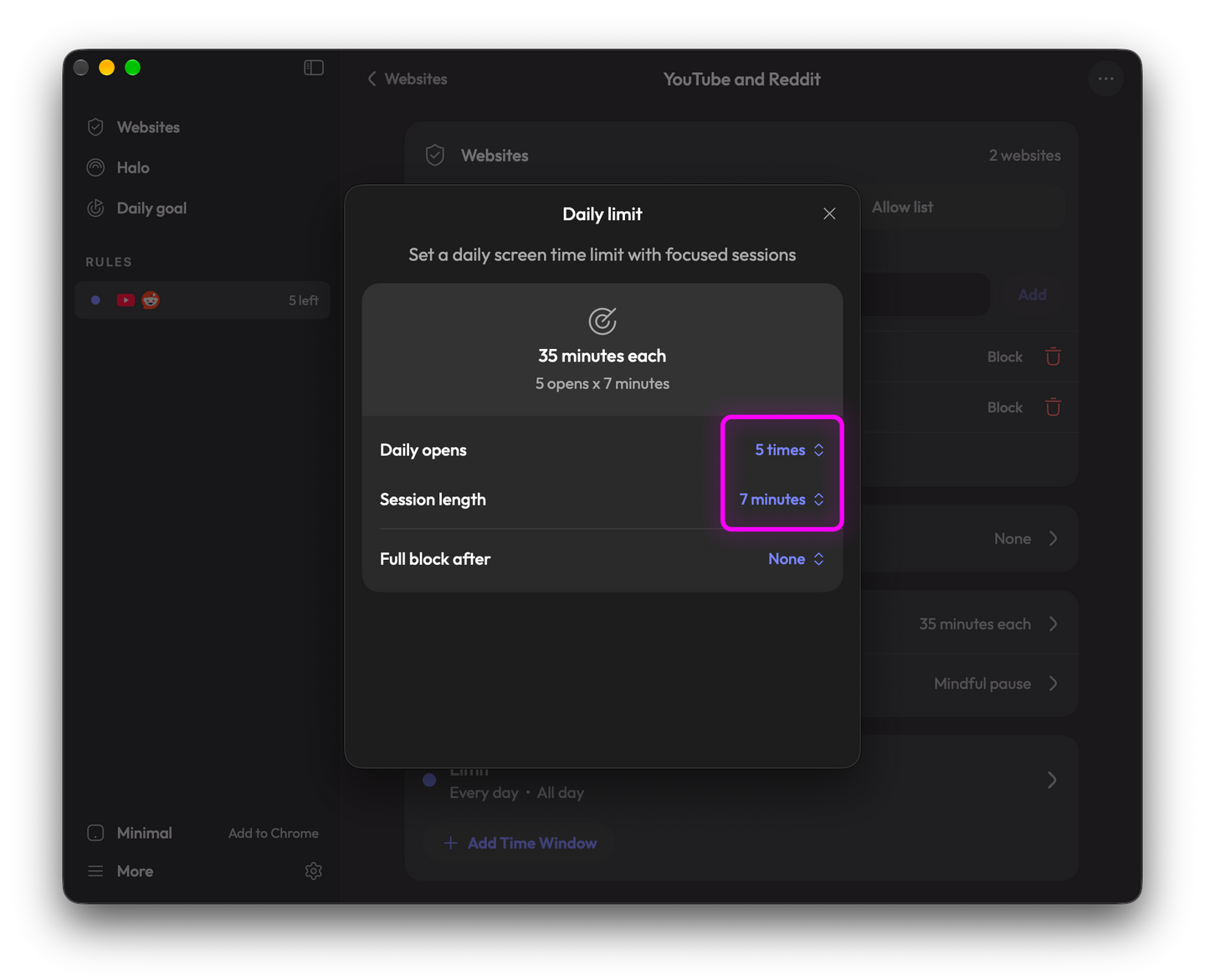
Daily limit sheet: 35 minutes each, with Daily opens 5 times and Session length 7 minutes highlighted

You're all set!

Limit apps too

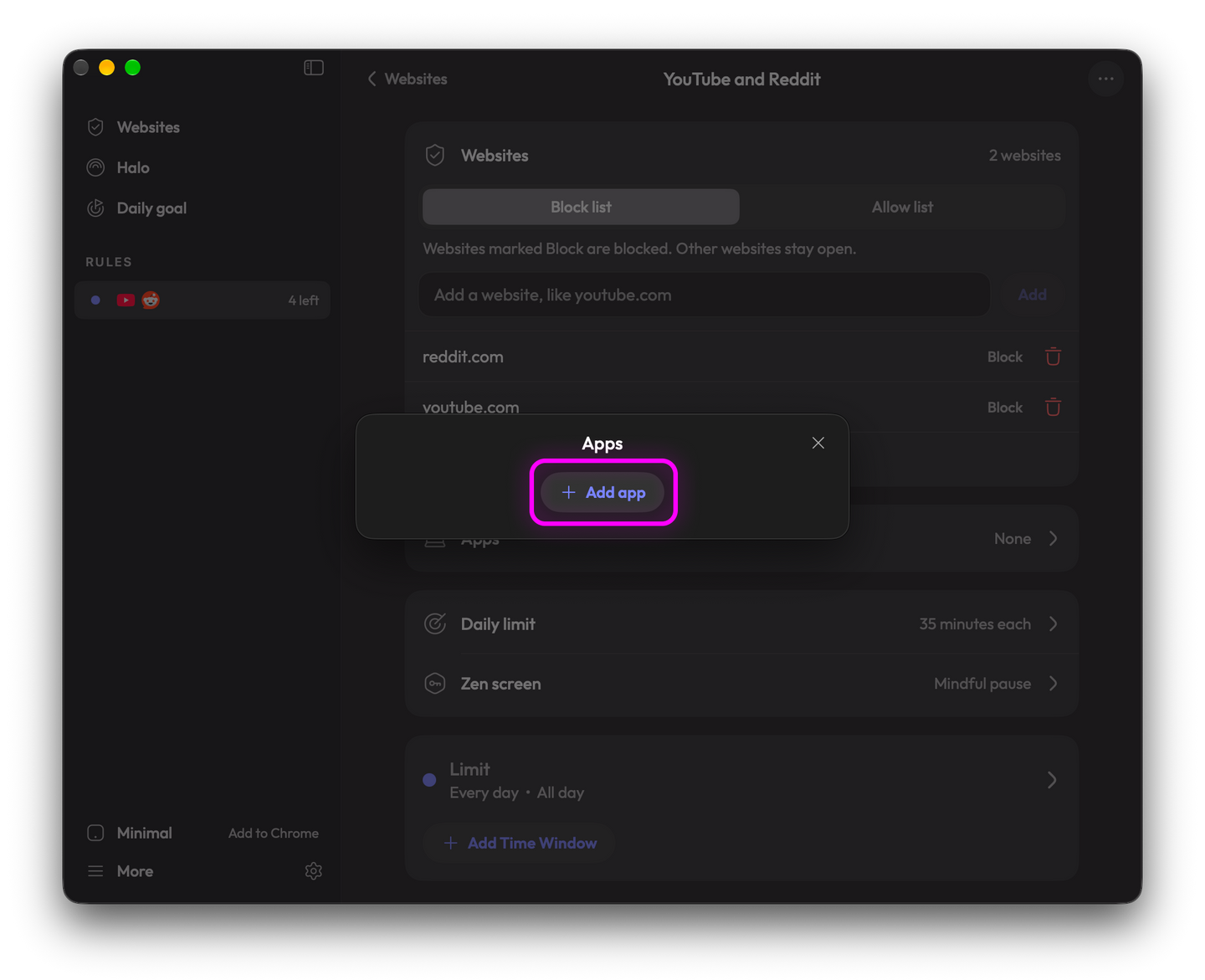
Open Apps in your rule, then Add app.
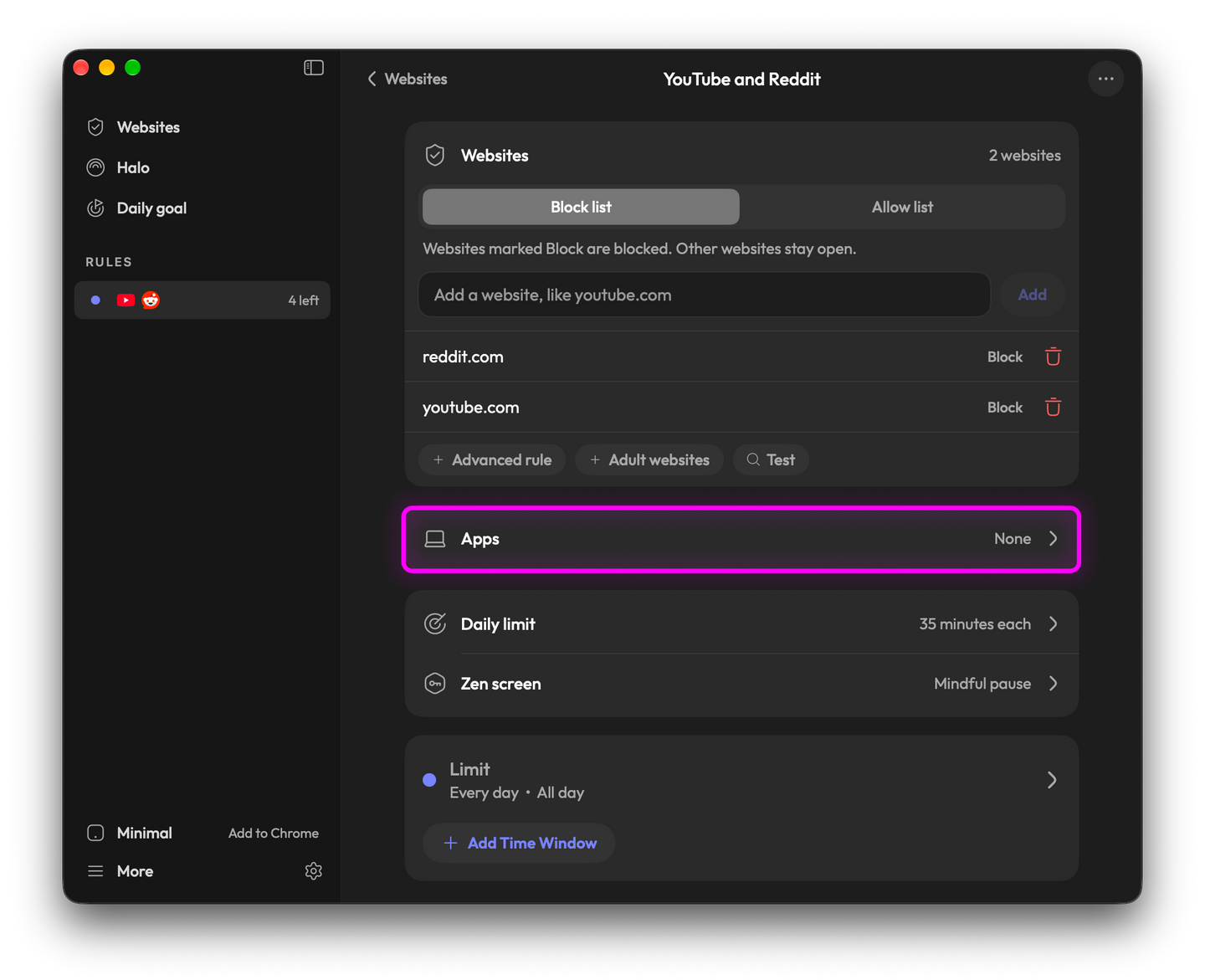
Rule settings for YouTube and Reddit with Apps, None, highlighted
Apps sheet with Add app highlighted

Make your limits stricter if you need to

Fully block your websites and apps once the daily limit runs out.

Daily limit sheet with Full block after, set to None, highlighted

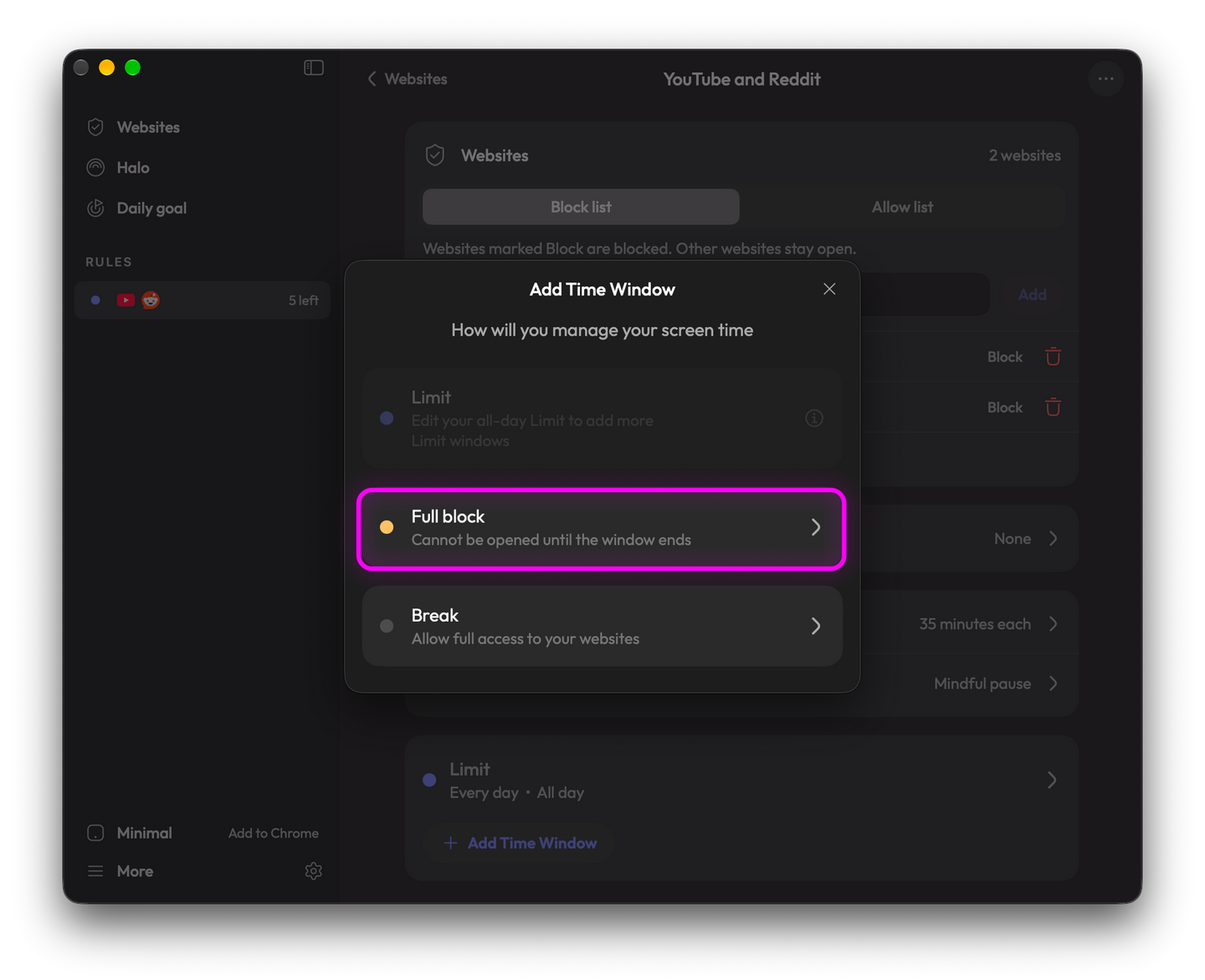
Or fully block them at set times of day.

Rule settings for YouTube and Reddit with Add Time Window highlighted
Add Time Window sheet with Full block highlighted: cannot be opened until the window ends