

ScreenZen for desktop
Block distracting apps and websites on your computer. Works with halo. New
Open this page on your computer to install ScreenZen:
screenzen.co/desktopLimit or block any website and app
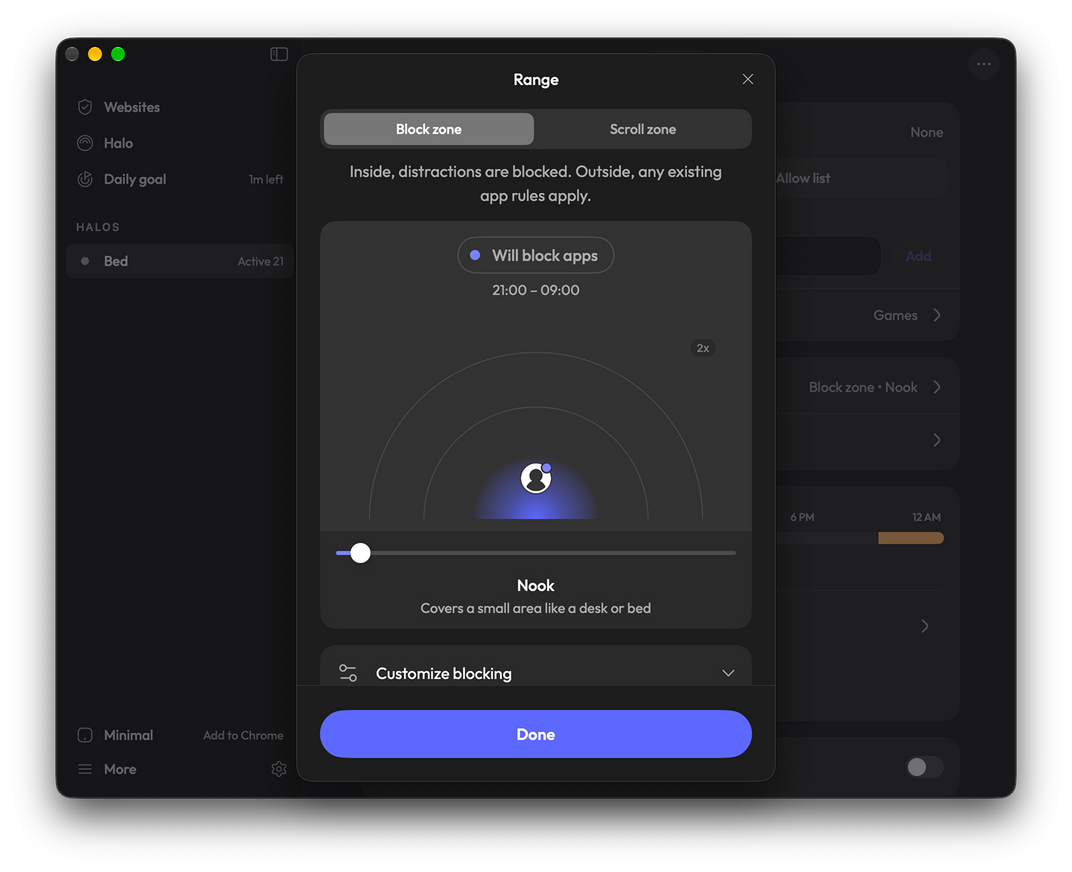
Pair your halo to make your desk a focus zone
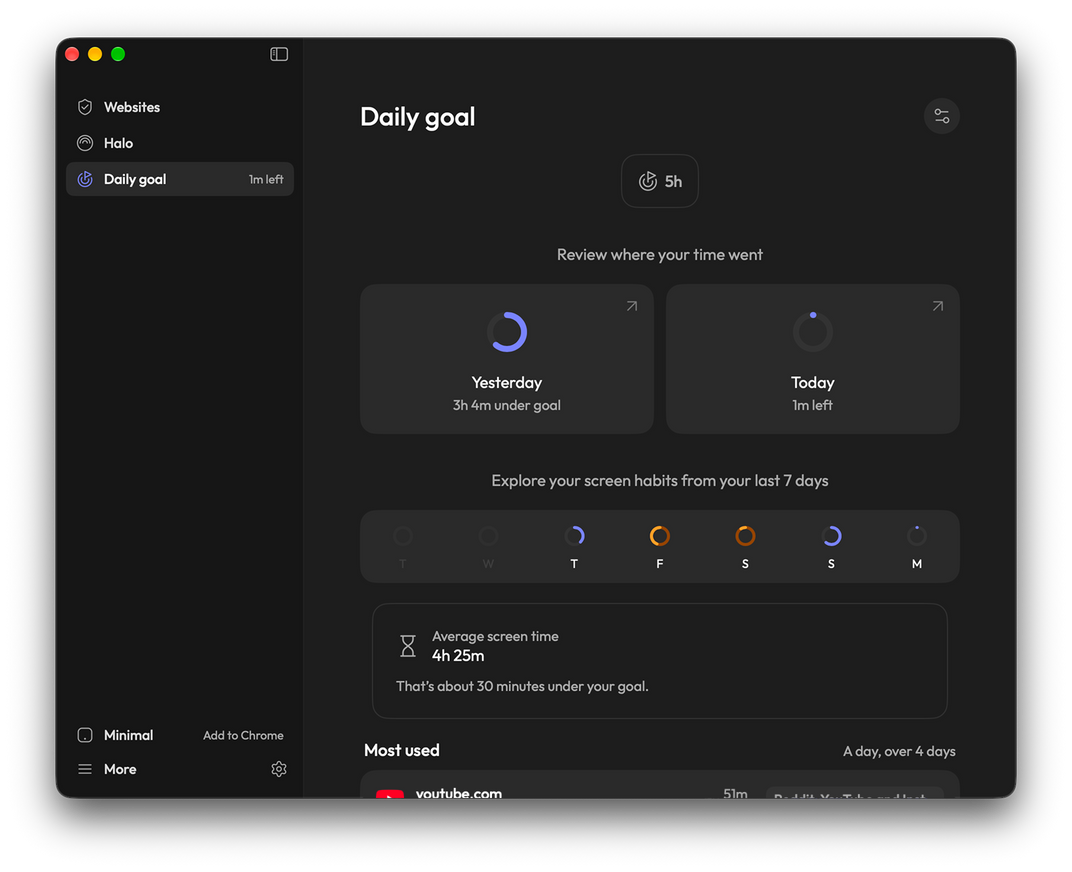
Set a daily goal and see where your time goes

Your download is starting
Three steps and ScreenZen is on your Mac.
- Open the downloadClick ScreenZen.dmg in your Downloads folder, or in your browser's download list.
- Drag ScreenZen into ApplicationsIn the window that opens, drag the ScreenZen icon onto the Applications folder.
- Open ScreenZenFind it in Applications or Launchpad and follow the setup.
Didn't start? Download again ·
Your download is starting
Three steps and ScreenZen is on your PC.
- Open the installerClick ScreenZenSetup.exe in your browser's downloads, usually at the top right, or in your Downloads folder.
- Allow it to runIf Windows asks, choose Yes. If you see "Windows protected your PC", click More info, then Run anyway.
- Open ScreenZenWhen the installer finishes, open ScreenZen from the Start menu and follow the setup.
Didn't start? Download again ·